Security issues can cost you a lot of money. If you have poor-quality CCTV, you may not be able to see who is doing what, miss activity at a key entrance, or lose needed footage because it has been overwritten.
Getting a good commercial CCTV system involves finding one that will provide good security without being too expensive. This guide will show you how to find a system that will protect your business without costing too much.
1. Assess Your Business Security Requirements
Before purchasing equipment, you should know what you need to protect. Think about your access points, warehouses, tills, loading bays, and car parks.
Do you need general surveillance, or clear identification of people and vehicles at key points? Conduct a property survey to get an understanding of where any blind spots are and identify where you can position your cameras.
2. Choose the Right CCTV Cameras
Different commercial security cameras suit different environments.
| Camera type | Best use |
|---|---|
| Bullet cameras | Outdoor areas, car parks and perimeters |
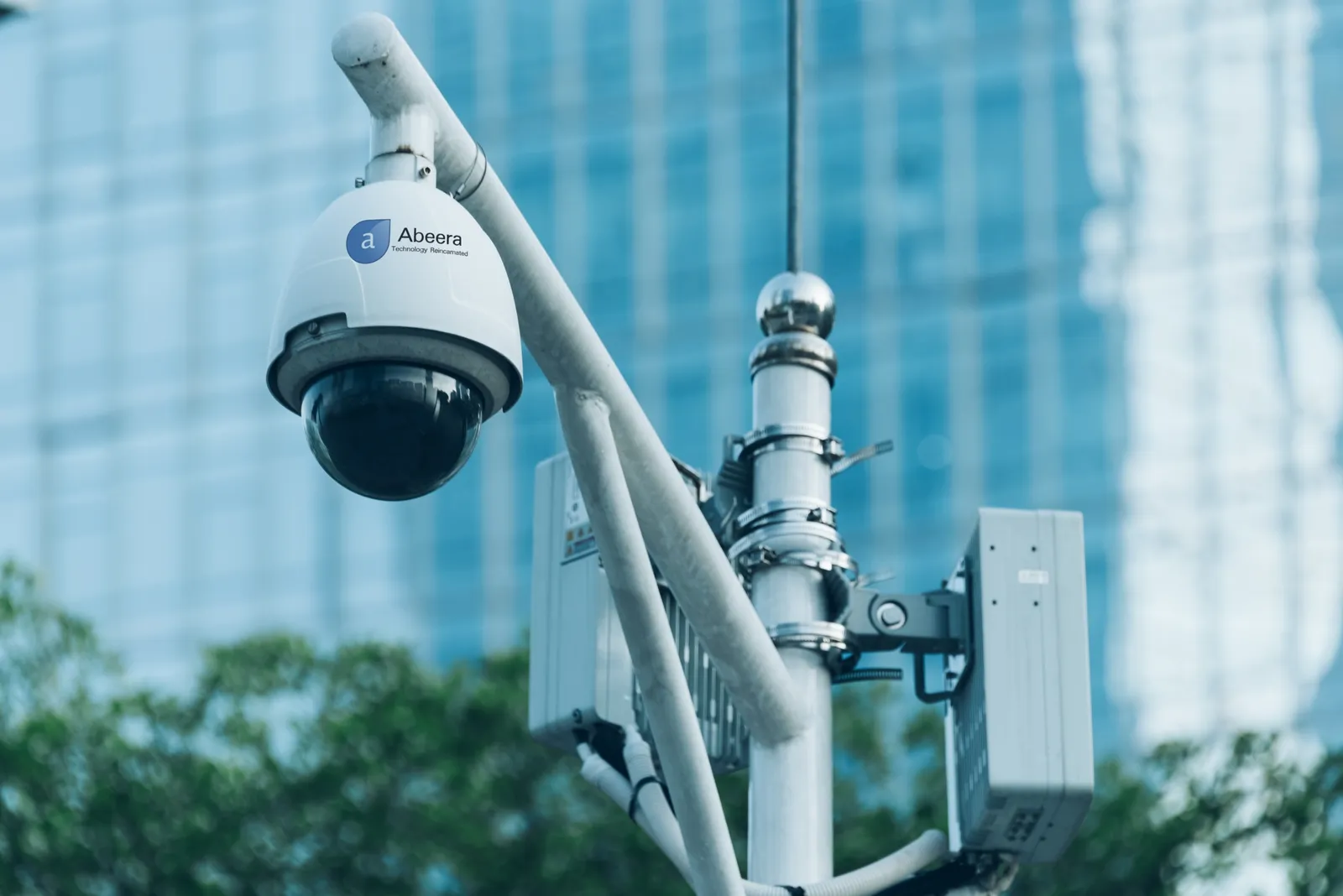
| Dome cameras | Shops, reception areas and offices |
| PTZ cameras | Large warehouses and yards |
IP cameras offer flexible features and high resolution, while analogue systems may suit businesses with compatible existing cabling. Consider night vision, motion detection and image quality when comparing options.
3. Wired vs Wireless CCTV Systems
Wired systems offer reliable connections for critical areas, whereas wireless systems reduce cabling but can suffer from interference and poor Wi-Fi signals.
Many IP cameras are wired and use Power over Ethernet (PoE), where they receive power and video through one cable. Consider how your property is laid out, how reliable you need the system to be, and how easy it will be to install.
4. Commercial CCTV Installation Costs
The cost of a commercial CCTV system depends on camera numbers, equipment quality, storage and installation complexity.
Your budget should account for:
- Cameras: Prices vary by type, resolution, and features.
- Recorder: Network video recorders (NVRs) support IP cameras, while digital video recorders (DVRs) are commonly used with analogue systems.
- Storage: Local recording can avoid cloud subscription fees, while cloud storage may involve recurring costs.
- Cabling and labour: Long cable runs, difficult access and complex installations can increase expenses.
Request an itemised quote so you can compare suppliers fairly. Our guide to commercial CCTV installation costs in the UK goes into more detail.
5. What Should a CCTV Installation Quote Include?
A professional CCTV installation quote should clearly explain what you are paying for. Check whether it includes:
- Property survey and camera positioning
- Cameras, recorder, cabling and mounting hardware
- Installation and system configuration
- Mobile app setup and remote access
- Testing, demonstration and aftercare
Ask about additional charges for maintenance, extra storage, or access equipment before agreeing to the work.
6. Recording, Storage and Remote Access
The amount of storage you need depends on how many cameras you have, the resolution, how you record and how long you want to keep the recordings.
Modern CCTV systems allow remote viewing, playback and motion detection alerts. To keep the system secure, use strong passwords, keep software up to date, and give access only to authorised users.
If you plan to expand your system, choose a recorder with spare channels. Ask whether it can be connected to intruder alarms and access control.
7. DIY vs Professional CCTV Installation
DIY installation may reduce labour costs, but poor camera positioning or incorrect configuration can leave security gaps.
A professional installer can assess blind spots, plan cable routes and test recording quality. This can be particularly valuable for larger commercial premises.
Remember that DIY installation does not remove your responsibilities regarding CCTV signage and data protection.
8. How to Reduce CCTV Costs
You can manage your CCTV budget without compromising essential security by:
- Prioritising vulnerable entry points.
- Choosing higher-resolution cameras where identification matters.
- Comparing itemised installation quotes.
- Selecting a recorder that supports future expansion.
- Checking whether your insurer has specific security requirements.
A well-planned system can provide better coverage than simply installing more cameras.
9. CCTV Maintenance and Ongoing Costs
Installation is only part of your total CCTV budget. Allow for servicing, repairs, lens cleaning, additional storage and future upgrades.
Cloud storage and professional monitoring may also involve recurring fees. Ask your installer about maintenance packages, technical support and expected equipment lifespan.
10. UK CCTV Regulations for Businesses
If your cameras capture identifiable people, data protection rules apply to the footage you record and store.
Businesses should consider their lawful purpose, appropriate signage, secure footage storage and retention periods. Avoid recording neighbouring property unnecessarily and take particular care with audio recording.
Your installer should talk you through these points at the survey stage. This article is general guidance, not legal advice.
Protect Your Business With the Right CCTV System
The best commercial CCTV system matches your security risks, budget and premises. Compare equipment, installation costs and maintenance requirements before making your decision.
Planning a new installation or upgrading existing equipment? Visit Abeera's commercial CCTV installation page or contact the team to discuss your business security requirements.